On-device AI that converts audio into structured, speaker-labeled text. No internet required. Your data never leaves your machine.
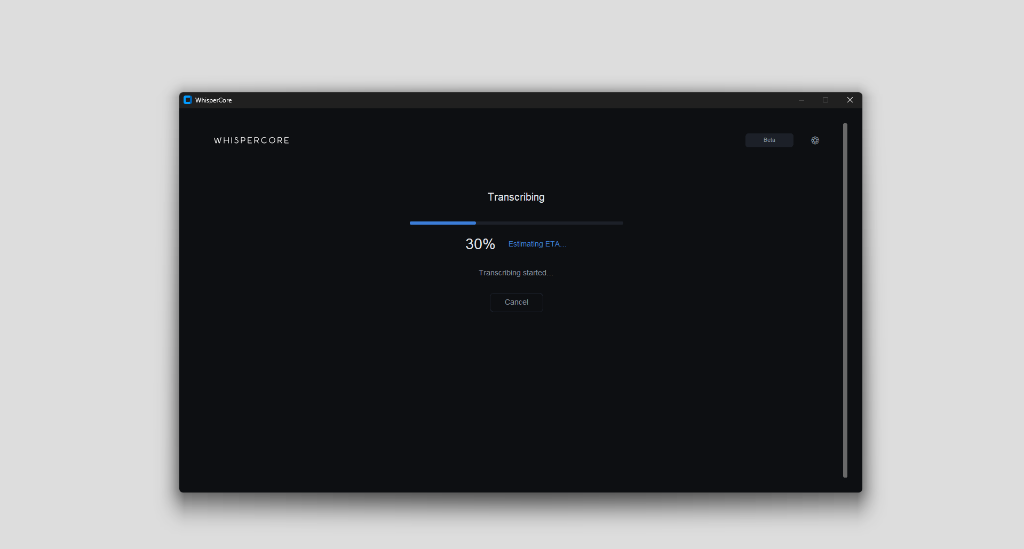
A clean, focused interface that gets out of your way.
Powered by Whisper AI models. Supports 99+ languages with high accuracy, running entirely on your GPU or CPU.
Automatically identifies and labels different speakers in your audio. Know who said what, without manual tagging.
CUDA-accelerated inference for NVIDIA GPUs. Transcribe hours of audio in minutes, not hours.
Zero cloud processing. No telemetry. Your audio files are processed locally and never touch the internet.
Export transcripts to TXT, SRT, advanced ASS subtitles, and Word-level SRT. Compatible with MP3, WAV, FLAC, MP4, MKV, and more.
Uses OpenAI's Whisper models (tiny to large). Choose quality vs speed based on your hardware.
From audio file to structured transcript — everything happens on your machine.
Drag & drop or browse for any audio or video file. Supports MP3, WAV, M4A, FLAC, MP4, and more.
WhisperCore transcribes on your GPU or CPU using Whisper AI models. Optional speaker diarization identifies who said what.
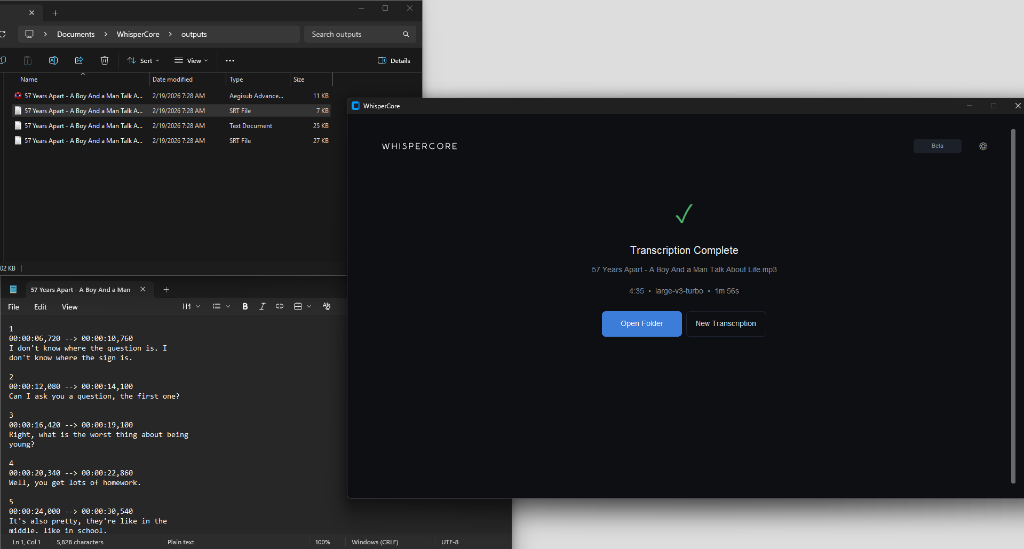
Export to SRT, VTT, TXT, or JSON. Speaker labels are embedded automatically. Open the output folder and you're done.
Smaller models are faster. Larger models are more accurate. We recommend medium for most users.
| Model | Size | Speed | Accuracy | VRAM | Best For |
|---|---|---|---|---|---|
tiny |
39 MB | ~1 GB | Quick drafts, low-end hardware | ||
base |
74 MB | ~1 GB | Fast transcription, decent quality | ||
small |
244 MB | ~2 GB | Balanced speed & quality | ||
medium ★ Recommended |
769 MB | ~5 GB | Best balance for most users | ||
large-v3-turbo NEW |
800 MB | ~6 GB | High accuracy, faster speed | ||
large-v3 |
1.5 GB | ~10 GB | Maximum accuracy, high-end GPU |
We use the optimized CTranslate2 backend to deliver state-of-the-art speeds.
Using tiny model on NVIDIA RTX 3060. Lower RTF is better.
Accuracy matches OpenAI's official implementation while running 10x faster.
WhisperCore runs on Windows 10/11 (64-bit). GPU is recommended for best performance.
Import a wide range of audio formats and export to popular subtitle and text formats.
Plans will be published once beta readiness is reached.
Pre-beta hardening in progress
Planned for beta release
Contact us for pilot requirements
Yes. All transcription and diarization runs entirely on your local hardware using AI models stored on your device. The only network request is a one-time license verification during activation. After that, no internet connection is needed.
No. WhisperCore works on CPU as well. However, an NVIDIA GPU with CUDA support significantly speeds up transcription — often 5-10x faster than CPU-only processing. AMD GPUs are not currently supported for acceleration.
All official OpenAI Whisper models: tiny, base, small, medium, large-v1, large-v2, and large-v3. Smaller models run faster, while larger models provide higher accuracy. We recommend medium for most users.
WhisperCore uses a separate on-device model to detect and label different speakers in your audio. It automatically assigns labels like "Speaker 1", "Speaker 2", etc., which are embedded into your SRT/VTT output. The diarization model also runs locally — no cloud processing whatsoever.
WhisperCore is currently in pre-beta hardening. Access is limited and pricing is not yet published. Join the waitlist to receive beta availability updates.
Absolutely not. Your audio files and transcription output never leave your device. We don't have access to your data, and we never will. We use pre-trained open-source models — no user data is involved in any training process.
Enter your email below to receive beta access updates and rollout notifications.
Run the installer — WhisperCore will set up Python, CUDA, and all dependencies automatically.
If required for your build, complete one-time activation. Core transcription remains local.
Drag any audio or video file into WhisperCore. Your transcript is ready in minutes.
Sign up for pre-beta access updates. Pricing is coming soon.